
X Account Labeler
Take control of your X (Twitter) timeline. Identify, categorize, and organize the accounts on your feed instantly without slowing down your browser.
Lost track of who is who?
Tired of confusing bots, lookalike accounts, or just want to highlight your favorite creators so you
never miss a post?
X Account Labeler is a remarkably lightweight, privacy-first Chrome extension that lets
you seamlessly customize and organize the accounts on your X feed. Whether you want to flag crypto
influencers, mute annoying bots natively, or label industry experts, this tool transforms your reading
experience.
Features Built for Power Users
| Capability | What it does | Privacy model |
|---|---|---|
| Color labels | Applies visual labels to selected X accounts. | Stored locally. |
| Custom names | Shows your own display names for accounts. | Stored locally. |
| Export and import | Backs up and restores label lists between browsers. | User-controlled file. |
Color-code Your Timeline
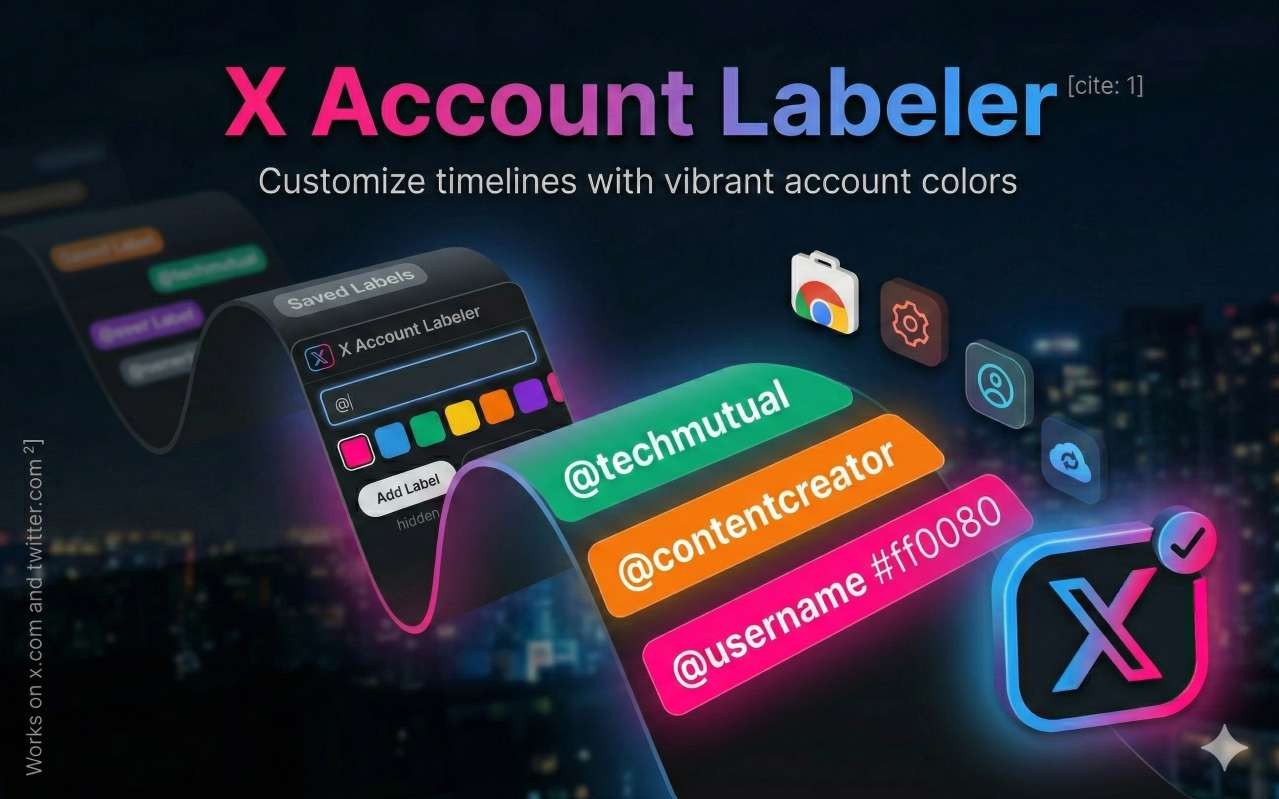
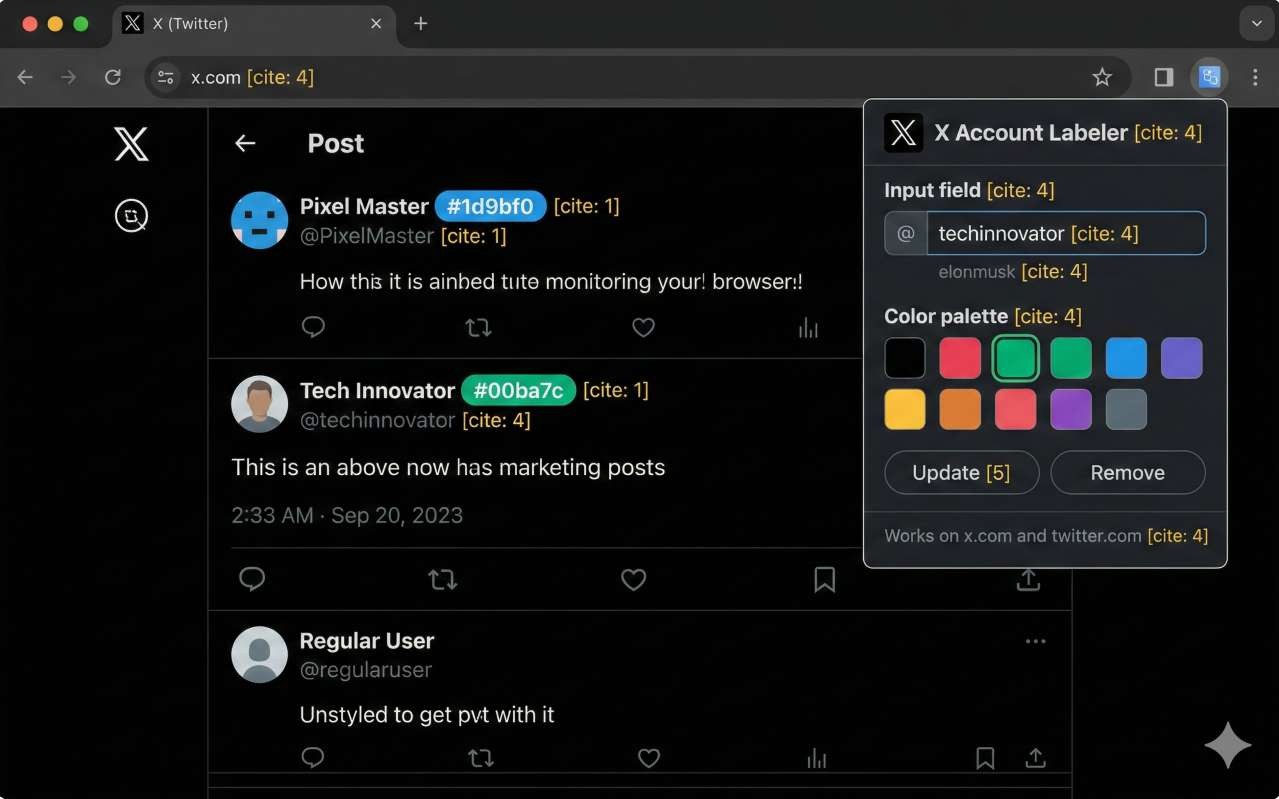
Instantly spot the people you care about. Assign one of 10 vibrant, carefully curated background colors to any @username. The extension applies the color directly to their display name across your entire timeline, making them impossible to miss.
Custom Display Names
Don't like the name someone uses? Change it. Our custom renamer feature lets you securely swap an account's real display name for a custom name of your choosing ("Tech Guru", "Annoying Bot"). It swaps the text natively right on your screen.
Ghost Mode
Want to clean up your feed without officially blocking or muting someone? Assign them the Red label, and our extension makes their tweets vanish entirely from your view. You can still visit their profile to read their tweets later.
Backup & Sync
Don't lose your meticulously organized labels. We've built in a robust one-click Export & Import system. Download your entire list of colored accounts and custom names into a tiny file to back up or move to a different computer instantly.
100% Private & Local
Your data belongs to you. The X Account Labeler runs entirely locally on your hard drive. Zero network requests made to third-party servers. Zero analytics tracking. Operates completely silently in the background using minimal RAM.
How It Works
- Pin the Extension: Click the puzzle piece icon in Chrome and pin X Account Labeler.
- Add a Name: Click the icon, type in any @username (like @elonmusk).
- Pick a Color & Name: Select your favorite color and add an optional custom display name.
- Hit Add: Refresh your timeline and see the magic happen instantly!
Ready to upgrade your X experience?
What does it do?
It lets you color-code, rename, and organize accounts on X from a Chrome extension.
Where is data stored?
Labels and custom names are designed to stay in local browser storage.
Is it official?
No. X Account Labeler is independent and is not affiliated with X Corp.
Join the users who have built a cleaner, more organized timeline effortlessly.
Get X Account Labeler Free